
Invoicing, without the setup
Free invoice generator. No signup. No watermark.
Your work. Beautifully billed.
Create a professional invoice online, download it as a PDF, and send it to your client. Free for freelancers and small businesses.
THE INVOICE, REIMAGINEDFIG. 001
NORTHSTAR
STUDIO
STUDIO
InvoiceCI—001
USD
USD
PREPARED FORCedar & Co.Good work deserves a clear invoice.
Design refinements2 hours × $75$150
Social graphics3 deliverables × $50$150
TOTAL DUE
Made by you.Ready for them. ↗
An interactive example. Slide the hours. Watch the total.
Reuse clients and services
Your clients and services, ready next time.
Start without an account
No email, credit card, or subscription.
Download a PDF without a watermark
A professional PDF. No CatInvoice watermark.
01 / FROM WORK TO SENT
How to create an invoice online
Add your business and client details, itemize the work, and review the totals before you download your PDF.
Read the step-by-step tutorial- 1
Enter the invoice details
Add your business, client, dates, services, quantities, rates, tax, discounts, shipping, and payment notes.
- 2
Review the live document
Watch totals update, switch templates, and check the complete invoice before it leaves your browser.
- 3
Download, print, or save
Download your invoice as a PDF, open the browser print dialog, or save the record locally for later.
02 / A GOOD FIRST IMPRESSION
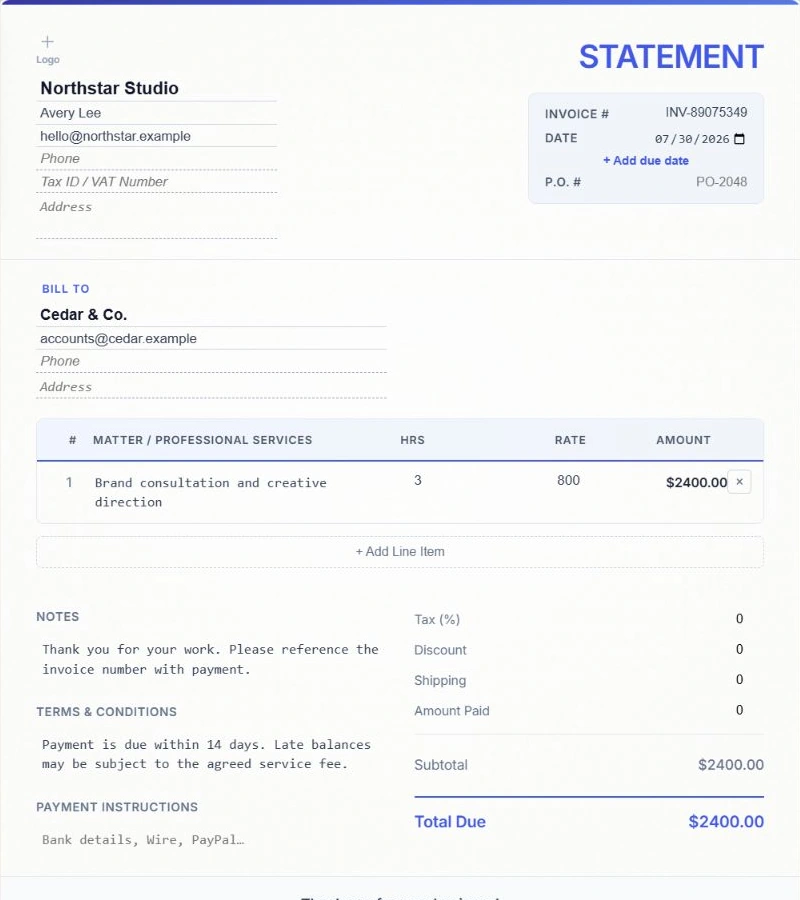
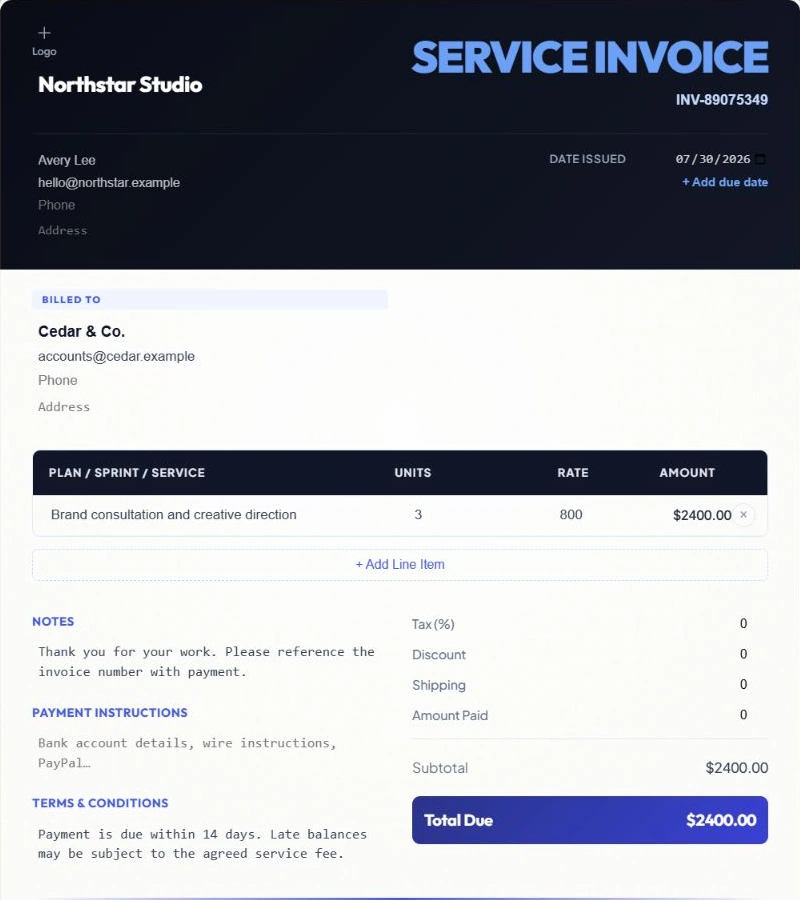
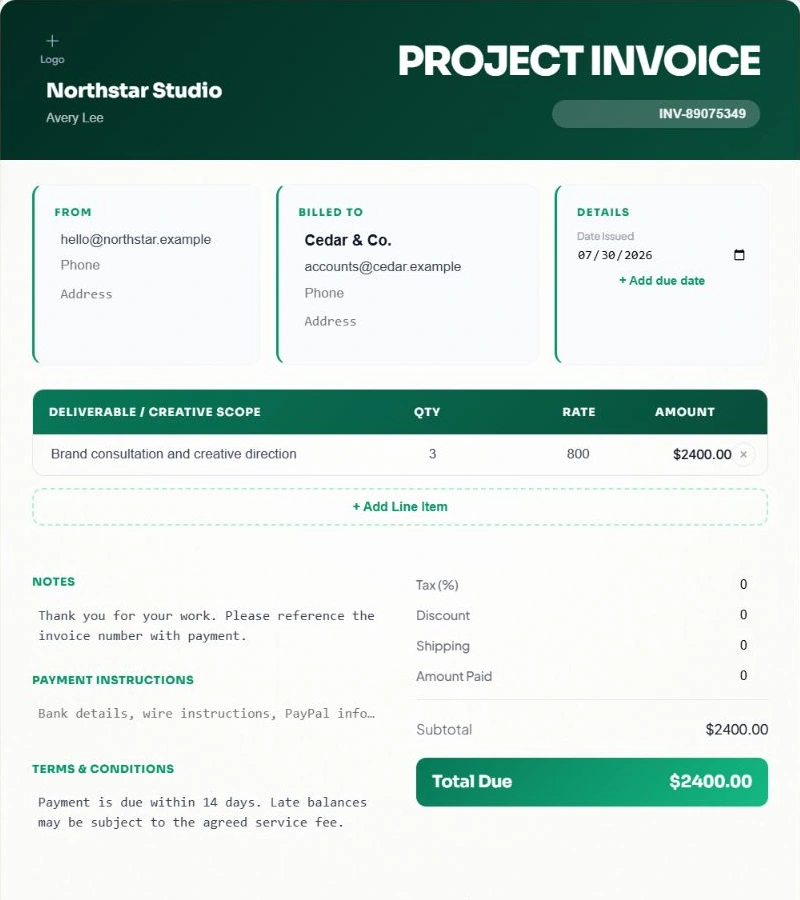
Free invoice templates for professional billing
Choose Classic, Modern or Bold for your invoice. Switch layouts without retyping your business details, line items or totals.
03 / INDEPENDENT BY DESIGN
Invoicing for freelancers and small businesses
Use the same invoice essentials for different kinds of work: clear descriptions, agreed prices, a due date and payment instructions.
Freelancers
Invoice a fixed project fee or itemize hours at your agreed rate. Add the project or billing period to each description so the client can recognize the work.
Freelance invoice workflowsConsultants and studios
Bill for consulting sessions, deliverables or retainers. Reuse client details and duplicate a saved invoice, then review the new dates, scope and amount.
Consulting and studio workflowsContractors and service businesses
List labor, materials and other agreed charges on separate lines. Include a job reference, service address or payment instructions when the client needs them.
Service business invoice workflows04 / REUSABLE CLIENTS, ITEMS AND LOCAL RECORDS
Save time on your next invoice
Saved client and item library
Reuse the people you bill and the services you sell from browser-stored suggestions.
Duplicate for the next billing cycle
Copy a saved invoice, update the dates and quantities, and keep the original record intact.
JSON backup and restore
Move or recover CatInvoice records with a portable JSON backup you control.
CSV history export
Export a spreadsheet-friendly summary of saved invoices for your own reporting workflow.
Flexible invoice controls
Use multiple currencies, tax or VAT, discounts, shipping, amount paid, logos, and notes.
Manual, reviewable workflow
You enter and check every billing value. CatInvoice is not an AI accounting or payment platform.
05 / THE FINER DETAILS
What should you put on an invoice?
An invoice records the work you are billing for and the amount your client needs to pay. Keep the details specific enough to match the agreed project, order or billing period.
Invoice fields, receipts and quotes explained- 1
Who is billing and who is paying
Add your business name and contact details, the client name, and the billing information your client needs.
- 2
Which invoice and which work
Use an invoice number and date. Describe each service, product or milestone, with its quantity and agreed rate.
- 3
How much is due and when
Review the currency, totals and payments already received. Include a due date and clear payment instructions.
Net 7, Net 15 and Net 30 payment-term examples
Choose a template and organize your invoices
How to choose an invoice template
Pick a layout that keeps your business details, itemized work and amount due easy to read.
How to organize and track invoices
Build a record-keeping routine for invoice numbers, payment status, PDFs and backups.
06 / A FEW GOOD ANSWERS
Free invoice generator FAQs
Free to use. Your records stay in this browser. Export a backup when you need to move them.
Read the complete FAQAll product facts
- Price
- Free forever, with no invoice-count limit
- Account
- Not required
- Invoice branding
- No CatInvoice watermark
- PDF output
- High-resolution image-based PDF plus browser printing
- Record storage
- Current browser, without automatic CatInvoice account sync
- Transfer and backup
- JSON export and import, plus CSV history export
- Analytics
- Optional usage and experience analytics stay off until consent
- Product type
- Manual invoice editor, not full accounting or payment software
Is CatInvoice really free forever?
Yes. CatInvoice does not have an invoice-count limit, paid subscription, trial deadline, or credit-card requirement.
Do I need to create an account?
No. Open the editor and create an invoice without registering, signing in, or providing an email address.
Does CatInvoice add a watermark to the PDF?
No. CatInvoice does not place its own branding or watermark on the invoice you download.
Where are my invoices and client details stored?
Drafts, saved invoices, clients, and line items stay in this browser without automatic CatInvoice account sync. Export a JSON backup before clearing browser data or changing devices.
Can I use tax, VAT, discounts, and different currencies?
Yes. The editor supports multiple currencies, tax or VAT rates, discounts, shipping, amount paid, custom invoice IDs, and payment notes.
What kind of PDF does CatInvoice create?
CatInvoice creates a high-resolution image-based PDF and also provides browser printing. Review the A4 preview before sending the finished invoice.
Is CatInvoice accounting or payment-processing software?
No. CatInvoice is a focused manual invoice editor. It does not replace bookkeeping, tax advice, payment processing, or a full accounting platform.
MADE FOR YOUR NEXT CHAPTER
Create and download your free invoice
Free forever, with no signup and no watermark.